Mastering the Art of Vector Infographic Elements: A Comprehensive Guide
Vector infographic elements are a powerful tool in the world of visual communication. They offer a scalable, versatile, and high-quality way to present data, processes, and ideas. Whether you're a marketer, educator, or small business owner, these elements can transform your content into engaging and informative visuals. However, like any tool, they come with their own set of challenges and pitfalls. In this article, we'll explore common mistakes and provide practical advice to help you make the most of vector infographic elements.
Understanding Vector Infographic Elements
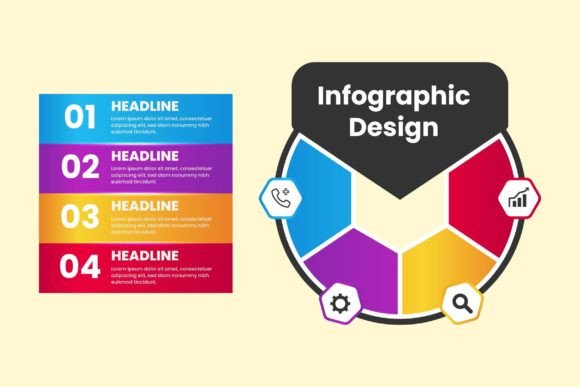
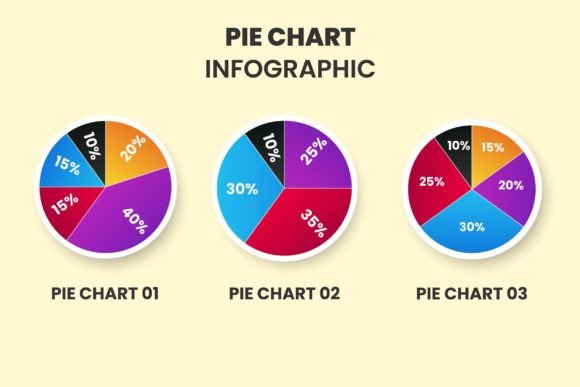
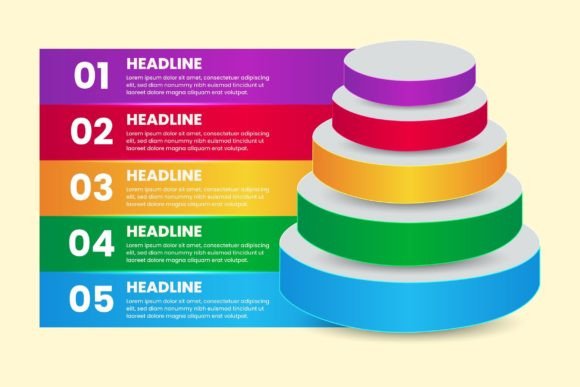
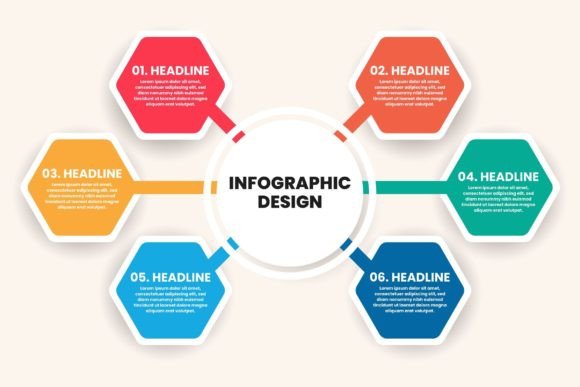
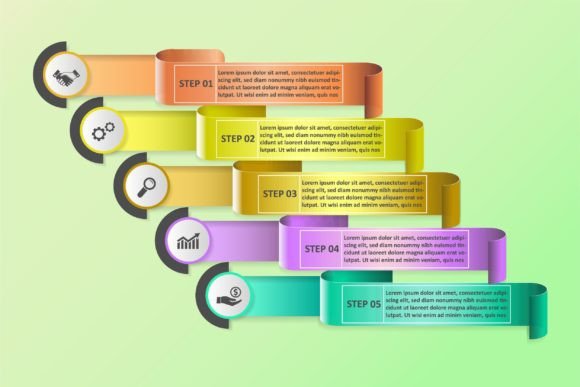
Vector infographic elements are graphic components designed in vector format, which means they can be resized without losing quality. These elements often include icons, charts, diagrams, and other graphical representations. They are particularly useful for creating infographics, flowcharts, and other visual aids that need to be clear and professional at any size.
Mistake 1: Overlooking the Importance of Consistency
One of the most common mistakes is using a mix of different styles and themes within a single infographic. This can lead to a disjointed and unprofessional look. Consistency is key. Choose a cohesive style and stick to it throughout your design. This includes color schemes, font choices, and overall aesthetic.
Mistake 2: Neglecting the Clarity of Information
Infographics are meant to simplify complex information, not complicate it. Overloading your design with too much text or intricate details can confuse your audience. Keep it simple and focused. Use clear, concise language and avoid clutter. Prioritize the most important information and use visual cues to guide the viewer's eye.
Mistake 3: Ignoring the Aspect of Scalability
While vector graphics are inherently scalable, it's still important to test your design at various sizes. What looks good on a computer screen might not translate well to a large print or a small mobile device. Always check your design at different scales to ensure it remains clear and legible.
Mistake 4: Failing to Consider the Audience
Every infographic should be tailored to its intended audience. What works for a technical audience may not be suitable for a general one. Understand who you are designing for and adjust your content and style accordingly. This could mean using more detailed explanations for a technical audience or simpler, more relatable examples for a general audience.
Mistake 5: Not Utilizing Templates Effectively
Templates can be a great starting point, but they should be customized to fit your specific needs. Simply plugging in your data without making any adjustments can result in a generic and unengaging infographic. Use templates as a foundation and build upon them with your unique content and style.
Choose the Right Tools
Invest in quality design software that supports vector graphics, such as Adobe Illustrator or CorelDRAW. These tools offer a wide range of features and flexibility, allowing you to create professional and polished designs.
Plan Your Design Carefully
Before you start designing, take the time to plan your infographic. Outline the key points, choose the appropriate type of infographic (e.g., timeline, flowchart, comparison), and sketch a rough layout. This will help you stay organized and focused throughout the design process.
Test and Iterate
Once your design is complete, test it with a small group of people from your target audience. Gather feedback and make necessary adjustments. This iterative process will help you refine your infographic and ensure it effectively communicates your message.
Stay Updated with Trends
The world of design is constantly evolving. Stay informed about the latest trends and best practices in infographic design. Follow design blogs, join online communities, and attend webinars to keep your skills and knowledge up to date.
Final Thoughts
Vector infographic elements are a valuable resource for anyone looking to enhance their visual communication. By avoiding common mistakes and following practical advice, you can create effective and engaging infographics that resonate with your audience. Remember, the key is to keep it consistent, clear, and tailored to your specific needs. Happy designing!